
LogoDocuments MkSaaS
Page d'accueilIntroductionCodebaseVideo TutorialsGetting StartedEnvironment Setup
Configuration
Website ConfigurationNavbar MenusFooter MenusSidebar MenusAvatar ButtonSocial MediaPrice PlansCredit packages

Integrations

DatabaseAuthenticationEmailNewsletterStorage
Payment
CreditsCron JobsAIAnalyticsNotificationCaptchaChatboxAffiliates

Customization

MetadataFontsThemesImagesi18nBlogDocsComponentsCustom PagesLanding PageUser ManagementAPI Key Management

Codebase

IDE SetupProject StructureFormatting & LintingUpdating the Codebase
X (Twitter)
Configuration

Social Media

Configuring social media links

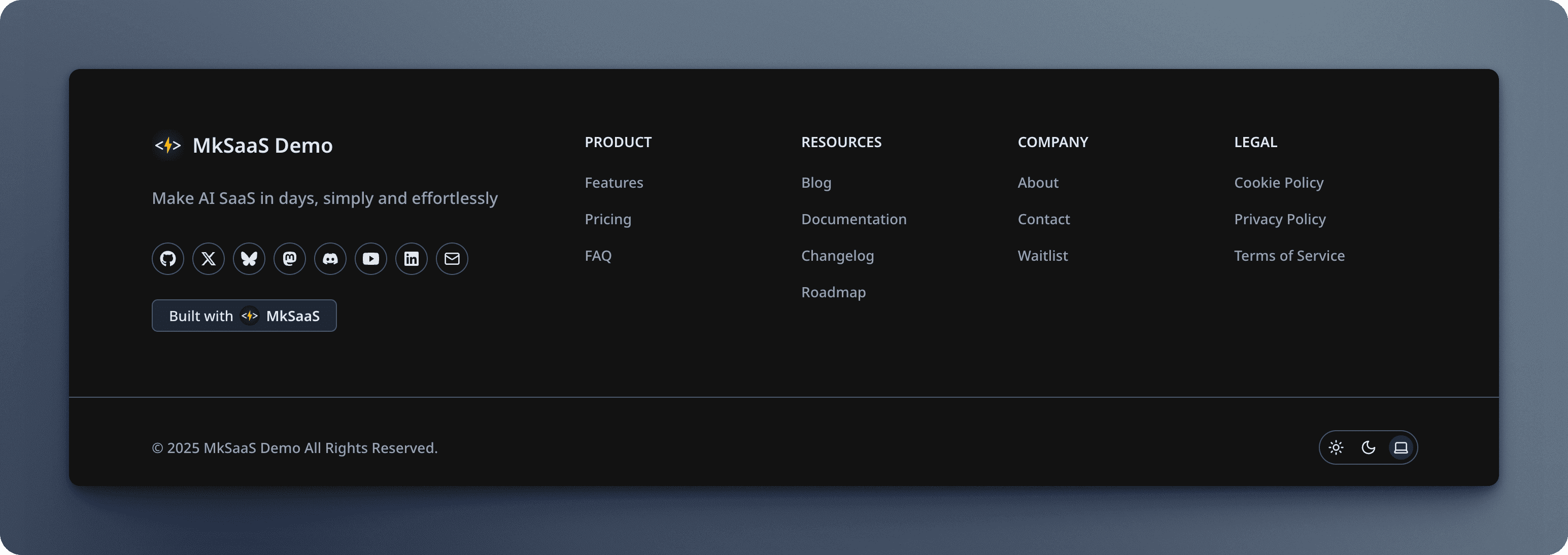
Manages social media links displayed on the website, each item is MenuItem.

src/config/social-config.tsx
export function getSocialLinks(): MenuItem[] {
  const socialLinks: MenuItem[] = [];

  if (websiteConfig.metadata.social?.github) {
    socialLinks.push({
      title: 'GitHub',
      href: websiteConfig.metadata.social.github,
      icon: <GitHubIcon className="size-4 shrink-0" />,
    });
  }

  // Additional social links based on config...

  return socialLinks;
}

The function dynamically generates social media links based on the URLs provided in the website.tsx configuration. This ensures consistency between your configuration and what's displayed to users.
Social

Video Tutorial

Next Steps

Now that you understand the social media configuration, explore these related topics:

Website Configuration

Configure core settings for your MkSaaS website

Footer Configuration

Configure the links in the website footer

Avatar Configuration

Configure the user avatar dropdown menu

Price Configuration

Configure your subscription plans and pricing

Avatar Button

Configuring the user avatar dropdown menu

Price Plans

Configuring price plans

Table des matières

Video Tutorial
Next Steps