 Documentos de MkSaaS
Navbar Menus
Configuring the navigation menu in the website header
Defines the navigation menu links in the website header, each item is NestedMenuItem.
export function getNavbarLinks(): NestedMenuItem[] {
  const t = useTranslations('Marketing.navbar');

  return [
    {
      title: t('features.title'),
      href: Routes.Features,
      external: false,
    },
    {
      title: t('pricing.title'),
      href: Routes.Pricing,
      external: false,
    },
    {
      title: t('blocks.title'),
      items: [
        {
          title: t('blocks.items.hero-section.title'),
          icon: <FlameIcon className="size-4 shrink-0" />,
          href: Routes.HeroBlocks,
          external: false,
        },
        // More dropdown items...
      ],
    },
    // More navigation items...
  ];
}
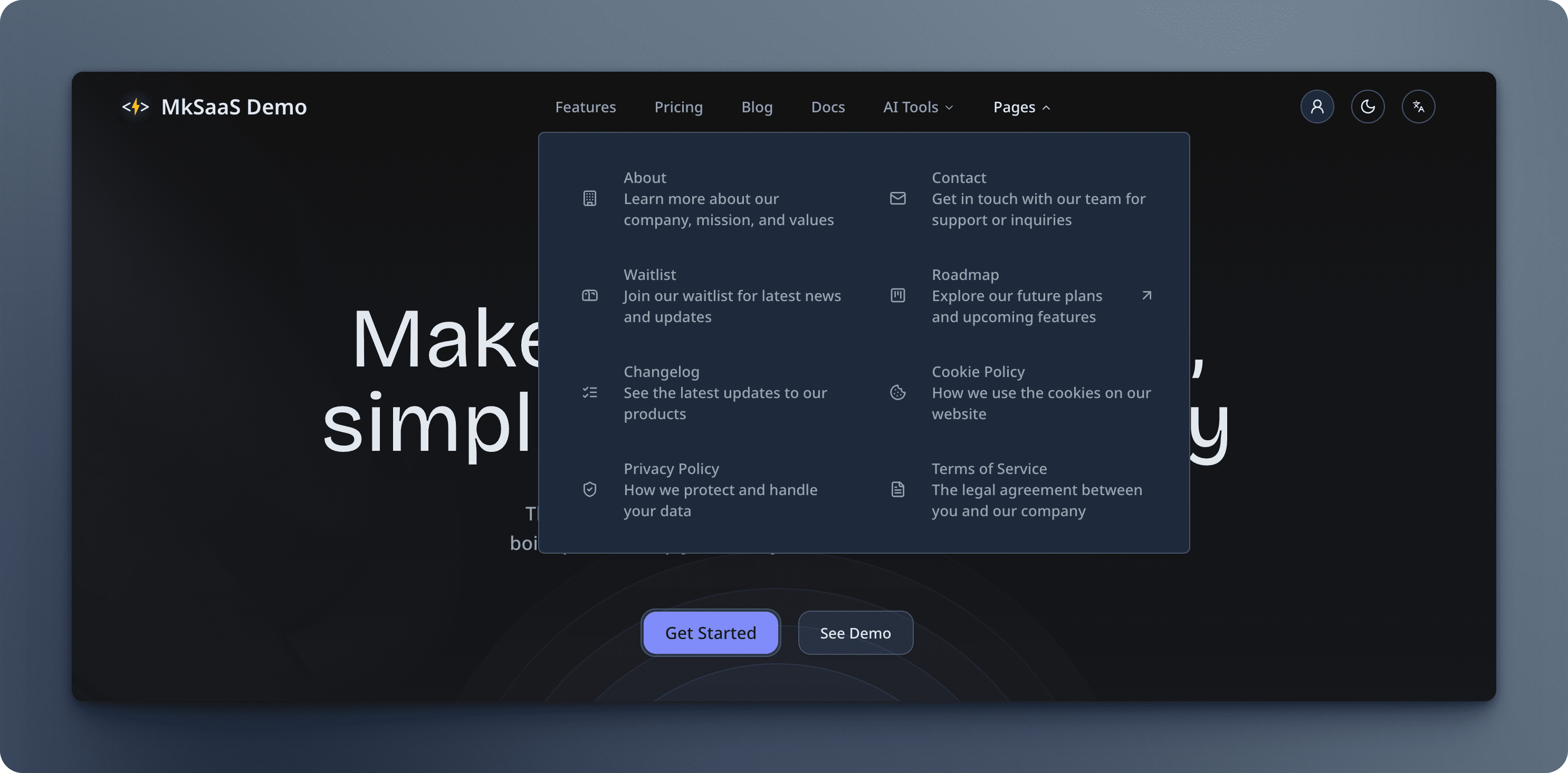
The navbar supports both simple links and dropdown menus with nested items. Dropdowns can include icons and descriptions for a richer user experience.
FAQ
How to change the menu layout of the navbar?
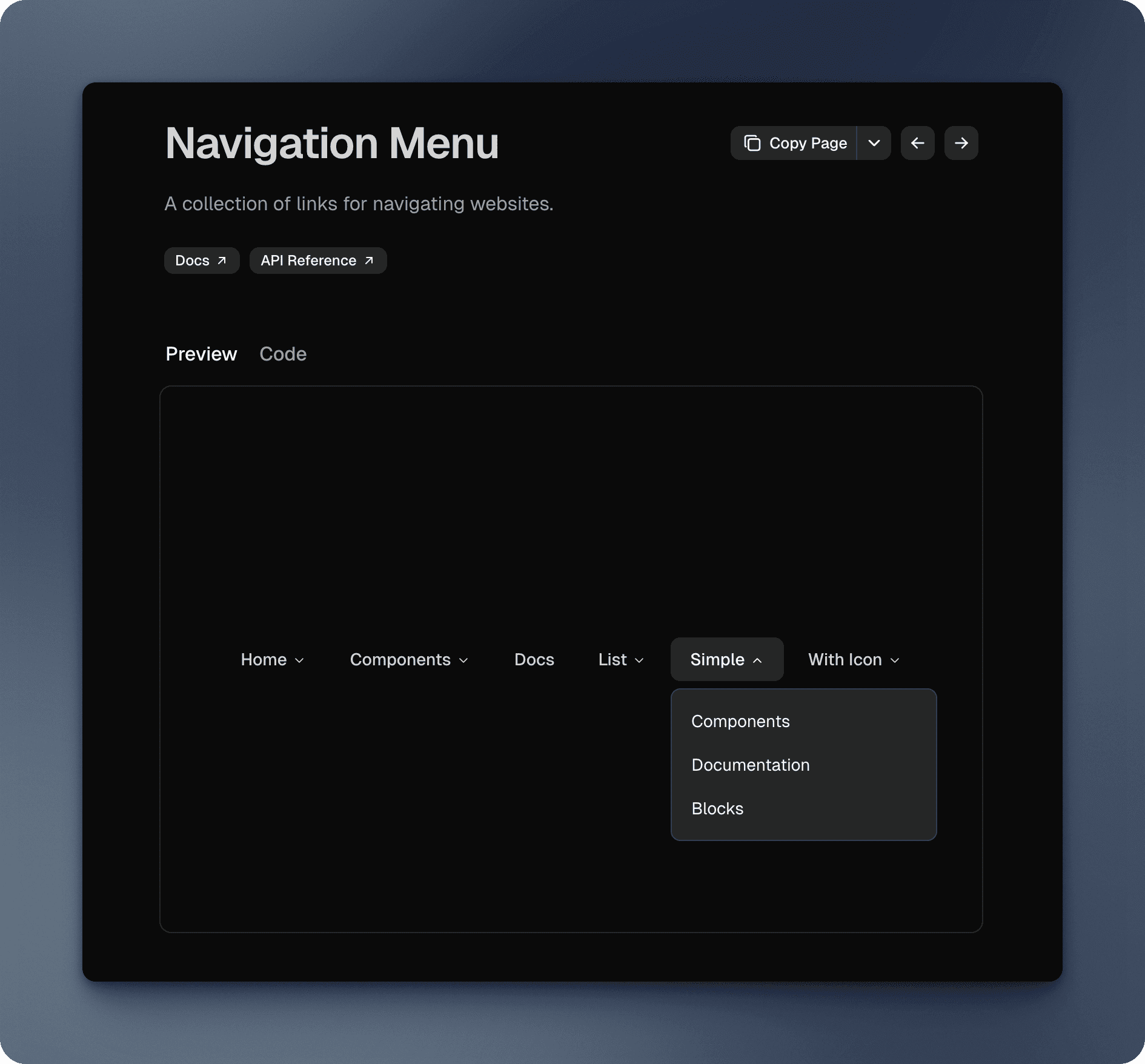
The navbar menu layout is defined in the src/components/shared/navbar.tsx file, using NavigationMenu component from Shadcn UI.
If you want to change the menu layout to a vertical menu, you can refer to the code in Shadcn UI documentation.
Video Tutorial
Next Steps
Now that you understand the navbar configuration, explore these related topics: